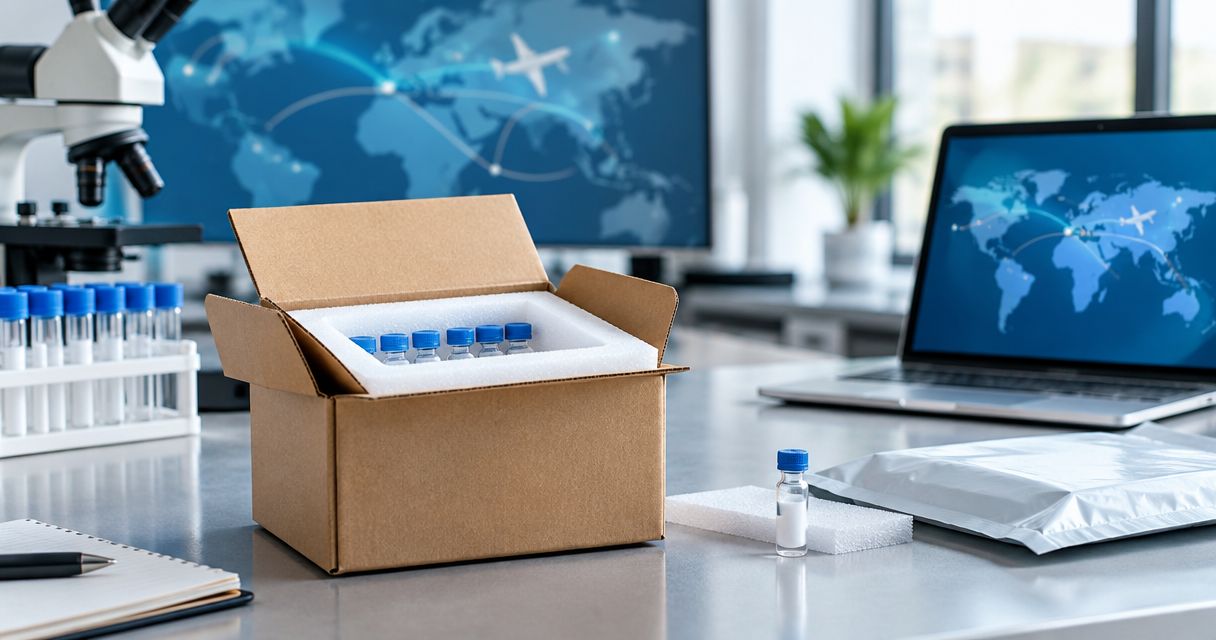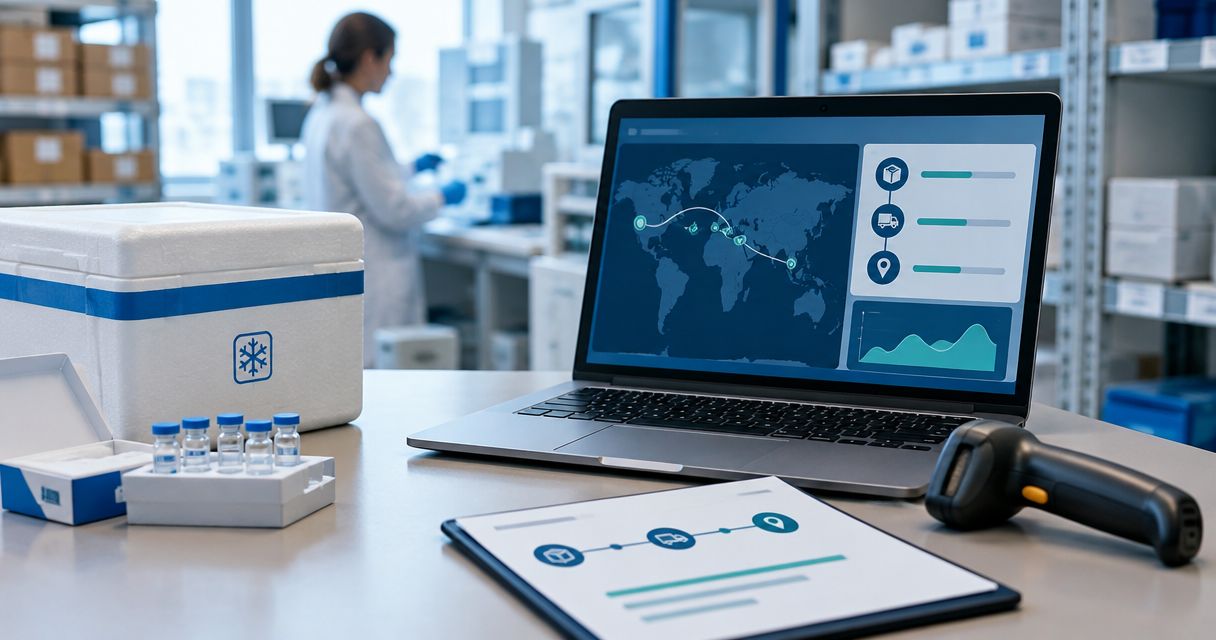
Instead of manually copying delivery updates into separate lab logs, set up peptide shipment chain of custody tracking that connects each order, parcel, receiving check, and internal handoff. Use a shipment record for transport evidence and a custody log for documented responsibility; a carrier’s delivered status does not establish who accepted the material inside your laboratory.
- For Southwestaminos research-peptide orders, connect shipment tracking to laboratory receipt records rather than treating delivery scans as custody evidence.
- Peptide shipment chain of custody tracking needs shipment identifiers, named custodians, timestamps, and linked receiving evidence.
- Keep carrier events separate from laboratory acceptance decisions; delivery does not establish material identity or condition.
- Retain original events and record corrections separately so the shipment history remains traceable.
Why this matters
A carrier tracks a parcel through its delivery network. Your laboratory needs a separate record connecting that parcel to the materials received, the person accepting responsibility, and the next internal location. These records answer different questions.
For a 2026 receiving workflow, define that boundary before connecting notifications or importing tracking events. Otherwise, a delivery notification can close a shipment record while its contents remain unchecked.
Southwestaminos is a research-peptide seller; this workflow is best for laboratory buyers who need documented shipment handoffs. Start with your order information from Southwestaminos, then attach laboratory-generated evidence without assuming the seller provides a custody platform or an integration.
The benefit is a connected record. The limitation is equally clear: a complete log documents what was recorded, not proof that every recorded statement is correct. Your laboratory still needs receiving checks and controlled review.
Before you start
- Gather source records and access. Have the order confirmation, any shipment identifiers supplied, access to carrier tracking, and permission to create records in your laboratory’s approved inventory system or record repository. Assign a receiving owner and a reviewer before the parcel arrives.
- Prepare your laboratory requirements. Use approved procedures for receipt, discrepancies, storage assignment, and record retention. Obtain material-specific handling documentation where required; do not substitute a generic peptide temperature or handling rule.
- Separate shipment identity from material identity. An order can span multiple parcels, and a parcel can contain multiple items. Do not use an order number as the only identifier. For your 2026 template, define links between order, shipment, received item, and lot identifiers before importing events.
The field names below are proposed template labels, not verified buttons or settings in a particular application. Create equivalent fields in your approved system; an integration is optional, but consistent records are not.
Configuration: shipment register
- Create Shipment ID as your laboratory’s persistent reference. Use Order Reference, Carrier, and Tracking Number as separate fields. Keep identifiers as text so formatting changes do not remove leading characters.
- Create Expected Items and link each expected item to its order line. Record a lot identifier only when a source document supplies it; leave an unresolved identifier visibly unresolved rather than guessing.
- Add Receiving Owner, Expected Destination, and Receipt Status. Define your own controlled status choices, such as Awaiting receipt, Under review, and Accepted. Document what each status means.
- Link the original order confirmation and shipment notice under Source Evidence. Retain the original files or messages according to laboratory policy, rather than copying only selected details into notes.
- Test your 2026 register with a documented example before using it for live receiving. Confirm that separate parcels can share an order reference without sharing a shipment identifier.
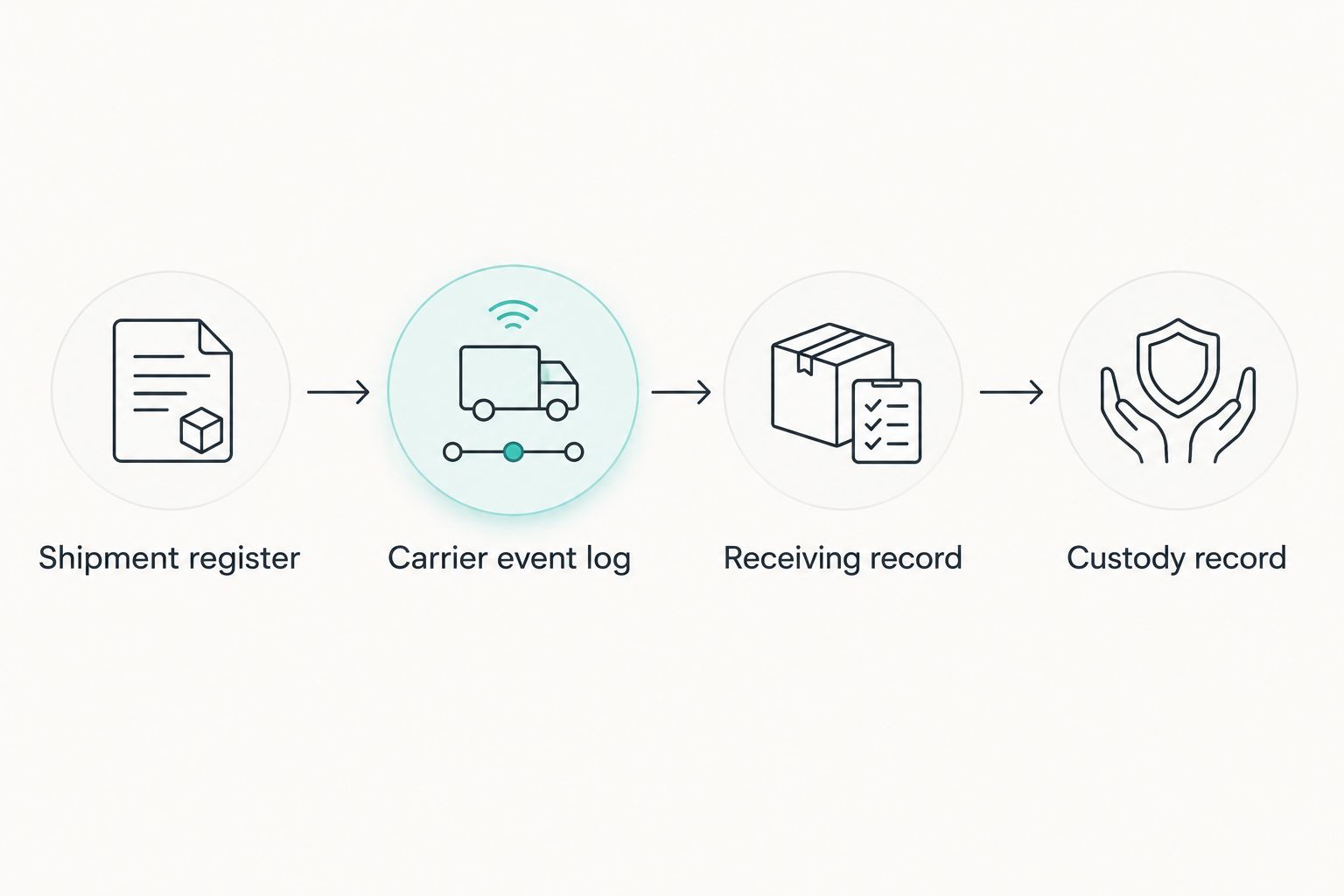
Expected result: You have 1 shipment record per parcel, linked to its order and expected contents. A split order stays connected without collapsing separate delivery histories into a single record.
Do not turn an expected item into a confirmed inventory entry at this stage. The shipment register describes what the laboratory expects to receive; receiving establishes what actually arrived.
Configuration: carrier event log
- Create an event table linked through Shipment ID. Add Event Source, Source Event ID, Event Type, Event Time, Recorded Time, Time Zone, and Source Evidence.
- Import carrier events through an approved connection if one exists. Otherwise, record relevant updates manually and attach the corresponding evidence. Do not build the workflow around an assumed seller webhook or carrier integration.
- Retain 2 timestamps per event: the time reported by the source and the time your system recorded it. Preserve the original time zone, even if your display also uses a standardized time zone.
- Define duplicate handling. Use the source event identifier where supplied; otherwise, document a matching rule using shipment, event type, source time, and source details. Preserve genuinely distinct events.
- Route a delivery event to the receiving owner as a task. Do not let that event change Receipt Status to Accepted.
Expected result: Carrier updates appear in transport history without impersonating laboratory custody transfers. Re-importing the same source event does not create a second handoff.
Late updates belong in this log too. If a carrier publishes an earlier event after a later event, retain both timestamps instead of rewriting the history to make the sequence appear cleaner.
Configuration: receiving and custody record
- Create Receipt ID, linked to Shipment ID. Record Received By, Receipt Time, Receiving Location, Package Condition, and the evidence required by your receiving procedure.
- Reconcile the contents against Expected Items. Capture the item description, identifier shown on the material, and lot or batch information when present. Keep differences visible in Discrepancy Notes.
- Create a custody entry with Released By, Accepted By, Transfer Time, From Location, To Location, and Transfer Evidence. For initial receipt, identify the actual acceptance point your laboratory can document; do not invent a named carrier custodian.
- Record the storage destination assigned under the applicable laboratory procedure. If handling conditions require review, place the material in your procedure’s designated hold process rather than marking it accepted automatically.
- Require an authorized review before release from a receiving hold. Document the reviewer, decision, time, and supporting evidence.
Expected result: The parcel connects to actual received items, and each documented internal transfer identifies responsibility and location. Unresolved discrepancies remain visible instead of disappearing behind a delivered status.
A carrier scan is transport evidence, not a laboratory acceptance decision. Record only the custody events your laboratory can substantiate, and identify any gap explicitly.
Configuration: review and exception queue
- Create Exception Type, Assigned Owner, Review Status, Decision Evidence, and Closed By. Use these fields for missing identifiers, mismatched contents, damaged packaging, or undocumented transfers.
- Define which events create a review task. A delivery notification without a laboratory receipt, for example, needs investigation rather than automatic acceptance.
- Restrict acceptance and correction permissions to authorized personnel. Keep routine event entry separate from decisions that release material from a hold.
- Preserve the original value when correcting a record. Add the corrected value, reason, author, and correction time through your system’s supported history function or an approved correction log.
- Test the complete route with 1 receiving exercise: create the shipment, record delivery, document receipt, enter an internal handoff, and resolve a discrepancy. Use clearly marked test records.
Expected result: Every open issue has an owner, and a correction remains distinguishable from the original event. Closing an exception does not erase the evidence that created it.
When your laboratory needs the received items in its inventory system, use the research peptide inventory and LIMS connection guide to plan the next record boundary. Keep the shipment identifier available after inventory entry so transport evidence remains retrievable.
Variant: update custody whenever material changes hands
The same structure works after receiving. For a 2026 internal-transfer workflow, create a custody event whenever responsibility changes under your laboratory procedure, not whenever someone merely opens the record.
Require the releasing and accepting custodians, transfer time, locations, and material identifier. Link the transfer to the received item rather than only to the original parcel. If an item is divided into separately tracked containers, preserve the parent-child relationship in your inventory records.
Choose how events enter the record based on your laboratory’s systems and review requirements:
| Approach | Best for | Advantage | Limitation |
|---|---|---|---|
| Manual event entry | Laboratories using an approved record template | Makes evidence review explicit at entry | Requires people to enter and reconcile each event |
| Automated event import | Laboratories with supported connections and controlled field mapping | Reduces repeated copying of source events | Needs duplicate handling, error monitoring, and validation |
Start with a controlled record structure before automating imports. Automation moves source data; it does not establish that an item was inspected, correctly identified, or accepted by an authorized custodian.
For Southwestaminos research-peptide orders, apply the same acceptance rules you use for other laboratory suppliers. Supplier identity does not replace lot reconciliation or receiving evidence.
Troubleshooting
The carrier says delivered, but the laboratory has no receipt
Keep the shipment open and assign an exception to the receiving owner. Check the documented delivery location, receiving desk, and authorized internal handoff points; attach the evidence found. Record the actual receipt time when established, not the carrier’s delivery time by default.
Repeated imports create duplicate events
Check whether the source event identifier is being retained. If none exists, review your documented matching rule and inspect examples before changing it. Do not remove similar-looking events solely because they share a date; separate scans or transfers can be legitimate.
The parcel and order match, but the lot does not
Record the observed identifier exactly as presented and open a discrepancy. Keep expected and observed identifiers in separate fields. Do not overwrite the expected lot to make the records agree; resolve the difference through the laboratory’s review procedure.
A temperature question has no supporting measurement
Record the evidence actually received and identify the missing measurement. Tracking status and delivery speed do not establish temperature history. Use the material-specific requirements and authorized review process to decide disposition; do not invent a temperature range or infer compliance from packaging alone.
A shared login obscures who accepted custody
Use individually attributable accounts or the laboratory’s approved signature method. If an existing entry cannot identify the accepting person, document that gap and investigate it. Do not retroactively assign a custodian without supporting evidence.
Customize your workflow
Extend the record only where the added field answers a real receiving question. Useful connections include purchasing references, project identifiers, document verification, and inventory locations. Keep procurement approval separate from acceptance of physical material.
For your 2026 review, check that exported records retain attachments or durable evidence references, correction history, timestamps, and identifier relationships. An export containing only the latest status cannot explain how the shipment reached that status.
Define retention and access through your laboratory’s policy, not an arbitrary duration copied from a template. The workflow supports traceability; it does not by itself establish compliance with a particular accreditation or regulation.
FAQ
What is peptide shipment chain of custody tracking?
Peptide shipment chain of custody tracking connects shipment records with documented laboratory receipt and custody transfers. It identifies the material, responsible people, timestamps, locations, and supporting evidence without treating carrier scans as laboratory acceptance.
Does a delivered tracking status prove laboratory custody?
No. A delivered tracking status records a carrier event, while laboratory custody requires evidence of acceptance at the laboratory’s documented receiving point.
Can I use a spreadsheet for a peptide shipment custody log?
A spreadsheet can serve as a template if your laboratory approves its controls and use. Address individual attribution, permissions, correction history, evidence links, and retention before relying on it.
What should I record for a Southwestaminos research-peptide shipment?
Record the order reference, shipment identifier, supplied tracking details, expected items, actual receipt, and documented internal handoffs. Capture lot identifiers from source evidence rather than assuming they are present in every document.
Should carrier delivery automatically add material to accepted inventory?
No. Carrier delivery should prompt receiving review, not establish accepted inventory. Reconcile the contents and complete the laboratory’s acceptance process first.
How do I handle a missing custody transfer?
Open an exception and document the gap without inventing a transfer. Assign an owner, gather available evidence, and retain the resulting review decision with the shipment or material record.
Does chain of custody tracking prove peptide identity or condition?
No. Chain of custody documents recorded handling and responsibility; identity and condition require their own appropriate evidence and review. Keep those findings linked to, but distinct from, the custody history.
One last thing
Test what happens when an update arrives late. In your 2026 workflow, a delayed carrier event must not overwrite a completed receiving review or move accepted material back into transit. Preserve the event, retain its source time, and leave laboratory acceptance under laboratory control.